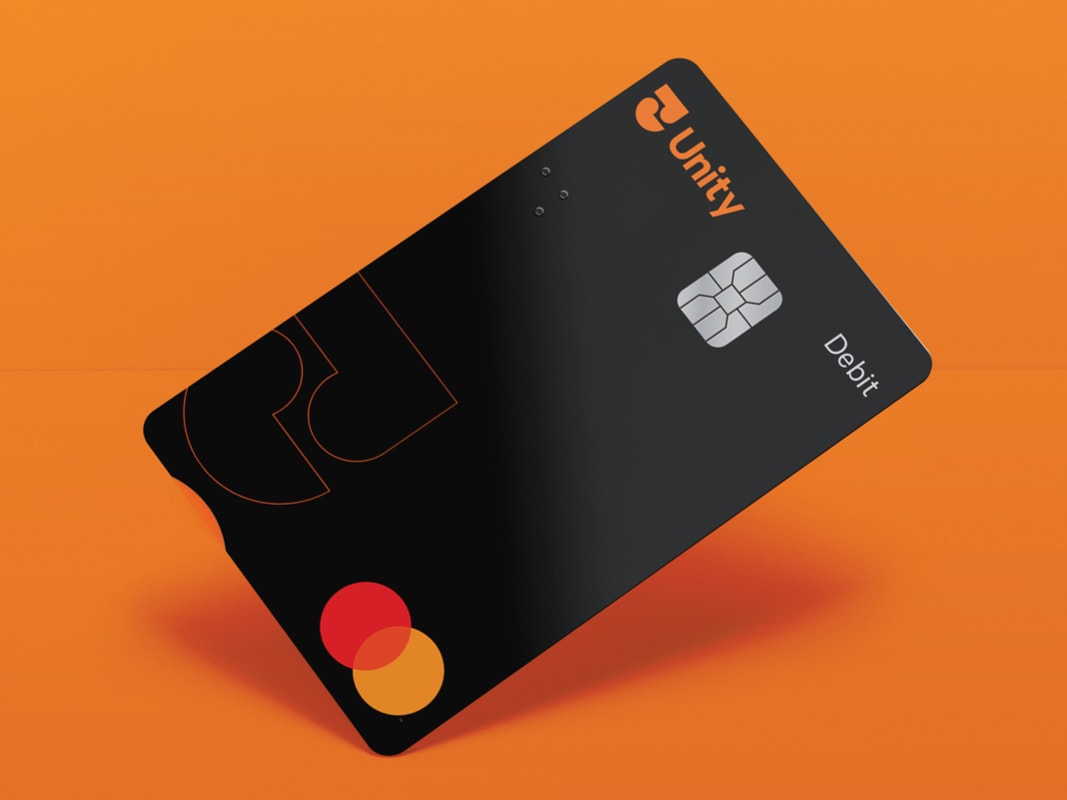
For lost or stolen cards call our Contact Centre on 0800 229 943. Or, when overseas, please call +64 6 826 2924 (collect).
To temporarily block your Debit Mastercard® through the Mobile Banking App:
1. Select the Cards icon from the toolbar at the bottom of your screen.
2. Tap on Manage Cards.
3. Select the card you wish to temporarily block.
4. Tap the grey toggle next to Temporary Block until it turns orange. To unblock, tap the toggle again until it turns grey.
To temporarily block your Debit Mastercard® through Internet Banking:
1. Select Cards from the toolbar along the top of your screen.
2. Select the card you wish to temporarily block and click on the edit icon.
3. Select Card Settings from the pop-up options.
4. Click on the grey toggle next to Temporarily Block Card until it turns orange. To unblock, click on the toggle again until it turns grey.
5. Click Done.