How to get started:
- Register for Mobile Banking.
- Download the app from Google Play or Apple App Store – it’s free!*


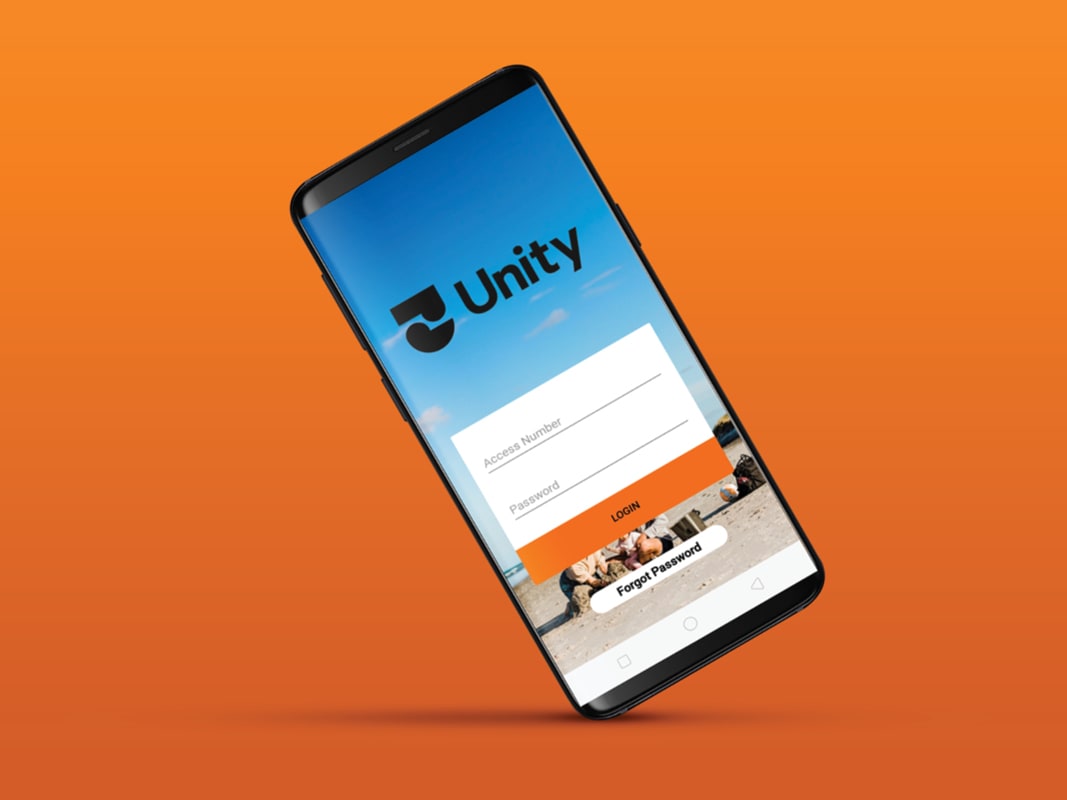
- Enter your existing internet banking access number and password.
- Either set a new 4-digit PIN for future access or continue to use your existing Internet Banking access number and password.
For more information, check out our Mobile Banking User Guide here.
What you can do:
- Access your accounts 24/7
- Check balances and track your spending
- Pay bills and transfer money
- Manage automatic payments
- View, download, and share account details
- Send payment confirmations to your payees
- Access your card through your digital wallet
- Turn contactless and online payments on or off
- Temporarily block or cancel your card
- Share your account details with others
Good to know:
- Forgot your PIN? Log in with your Internet Banking details or call 0800 229 943.
- The app is free to use, but standard data, transaction, and service fees may apply.*
*Using Internet Banking and the Mobile Banking app is free, but your standard data costs, transaction and service fees will apply. Use is subject to our Digital Banking Terms and Conditions.
The Mobile Banking app uses high-quality industry security encryption to help keep your personal details safe. For added security, the app locks the user out after too many failed log-in attempts. The app will time-out if left running for three minutes with no activity.
If you forget your PIN you can log in again using your Internet Banking login details or contact us on 0800 229 943.
Apple, iPhone, iPad and App Store are registered trademarks of Apple Inc. Android and Google Play are registered trademarks of Google Inc.
